
01
Choose a scene
Start with curated iPhone, iPad, Mac, Watch, foldable and multi-device templates.
A faster way to present wallpaper
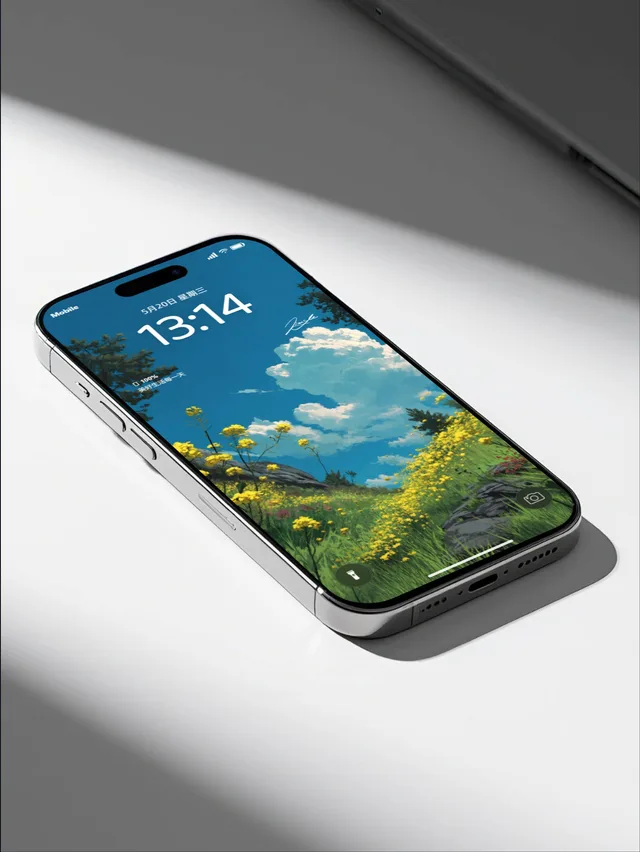
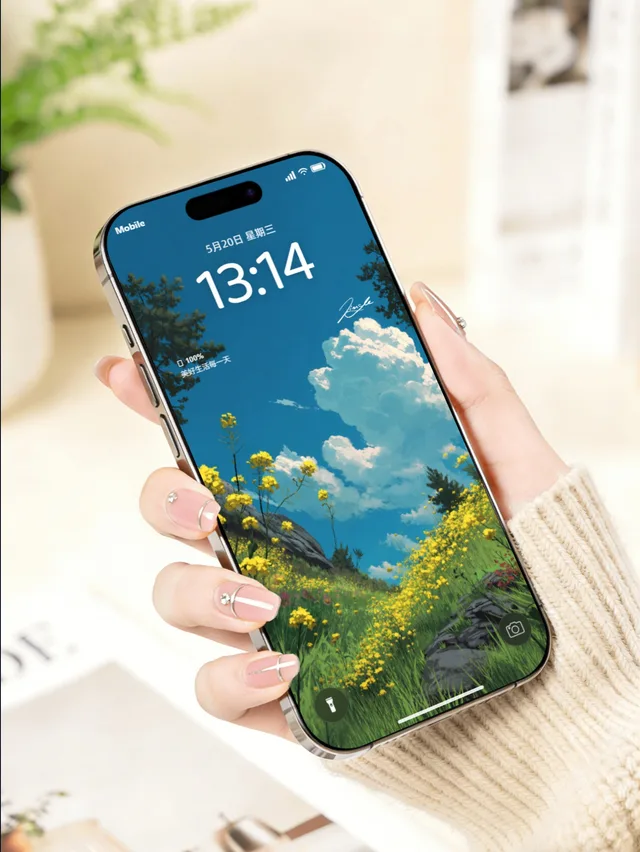
Present wallpapers and app screens in real device scenes. Refine the details, then export visuals for your store and social posts.
Wallpapers stay in your browser. Sign in to sync presets and image watermarks.
Real device frames
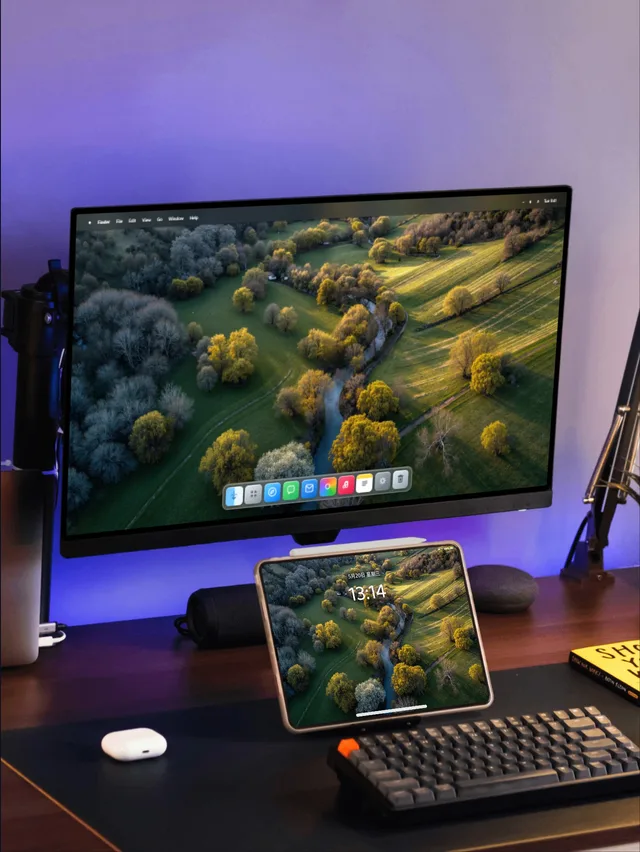
Multi-device scenes
Format-ready exports
Built in your browser
MockupOpen workflow
Choose a scene, refine the details, and export work that is ready to publish — no complex design setup required.
01
Start with curated iPhone, iPad, Mac, Watch, foldable and multi-device templates.
02
Adjust wallpaper framing, device finish, time, widgets, text and backgrounds in real time.
03
Generate clean PNGs or a small batch for social posts, product launches and portfolio work.
Templates
Browse desktop, handheld, manicure and multi-device scenes in one row. Every template opens directly in the studio.
Inside the studio
Upload a wallpaper, then tune the device, system interface, scene and output format. Every change appears in the composition instantly.
Start with iPhone, iPad, Mac, Watch, foldable and multi-device templates, then adjust your wallpaper framing.
Set lock or home screens, time, date, widgets, device finish, backgrounds, text and layered watermarks.
Choose social-ready formats, export crisp PNG batches and save common configurations for later.
Ready to publish
Select the format you need, keep the device, background and watermark in balance, then export a crisp final image.
During the free launch period, start with your first device visual — no account required.